NomNomBear — Your Kitchen's New Best Friend
Snap a photo of any dish or ingredients — get instant recipes, calories, and nutrition facts. Simple, fast, and fun!
It's easy as 1, 2, 3
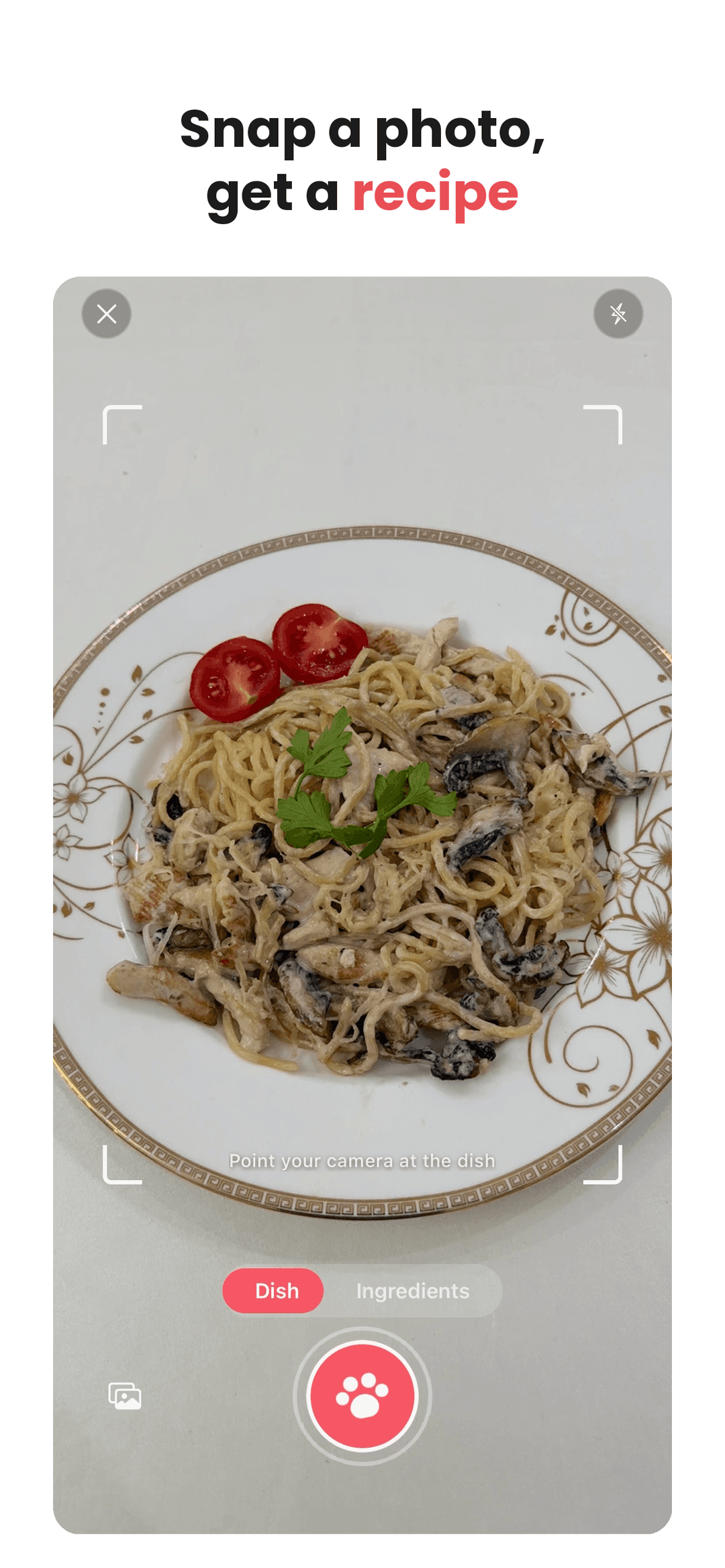
1. Snap a dish or your fridge
Point your camera at a meal — or the ingredients you have — and NomNomBear identifies it instantly.
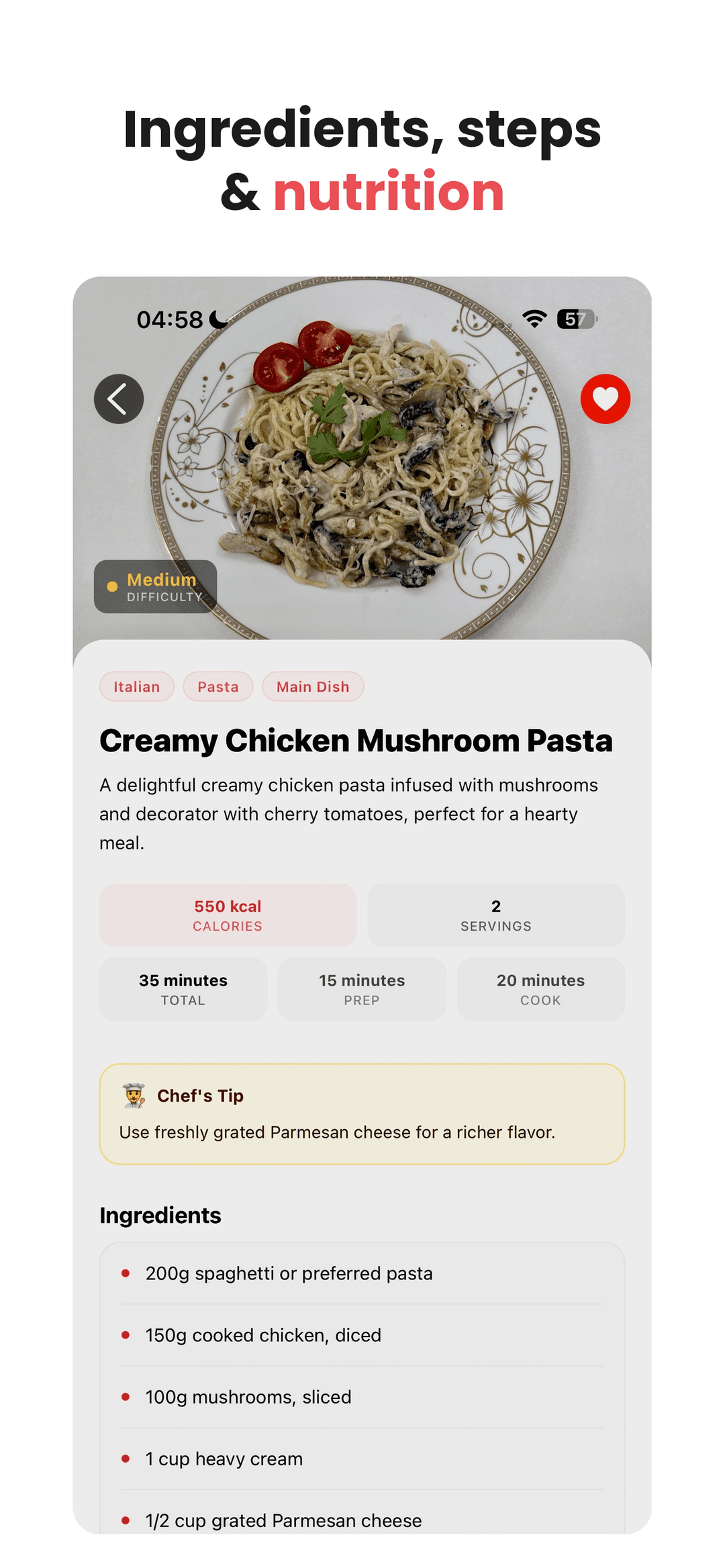
2. Get the full recipe
Ingredients, step-by-step instructions, calories and nutrition — ready in seconds.
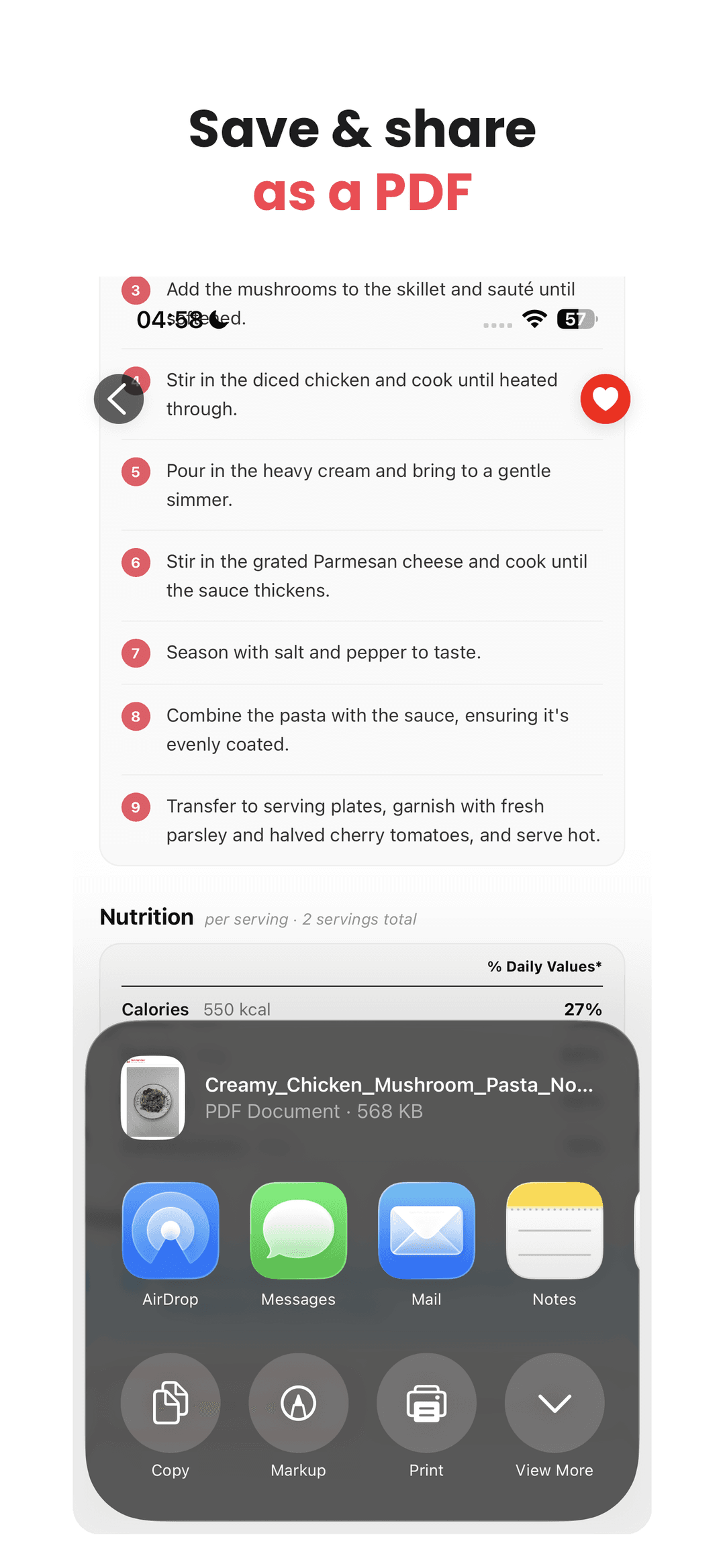
3. Save, share & cook
Keep favorites in your recipe box and download clean PDF recipes to share or take to the kitchen.
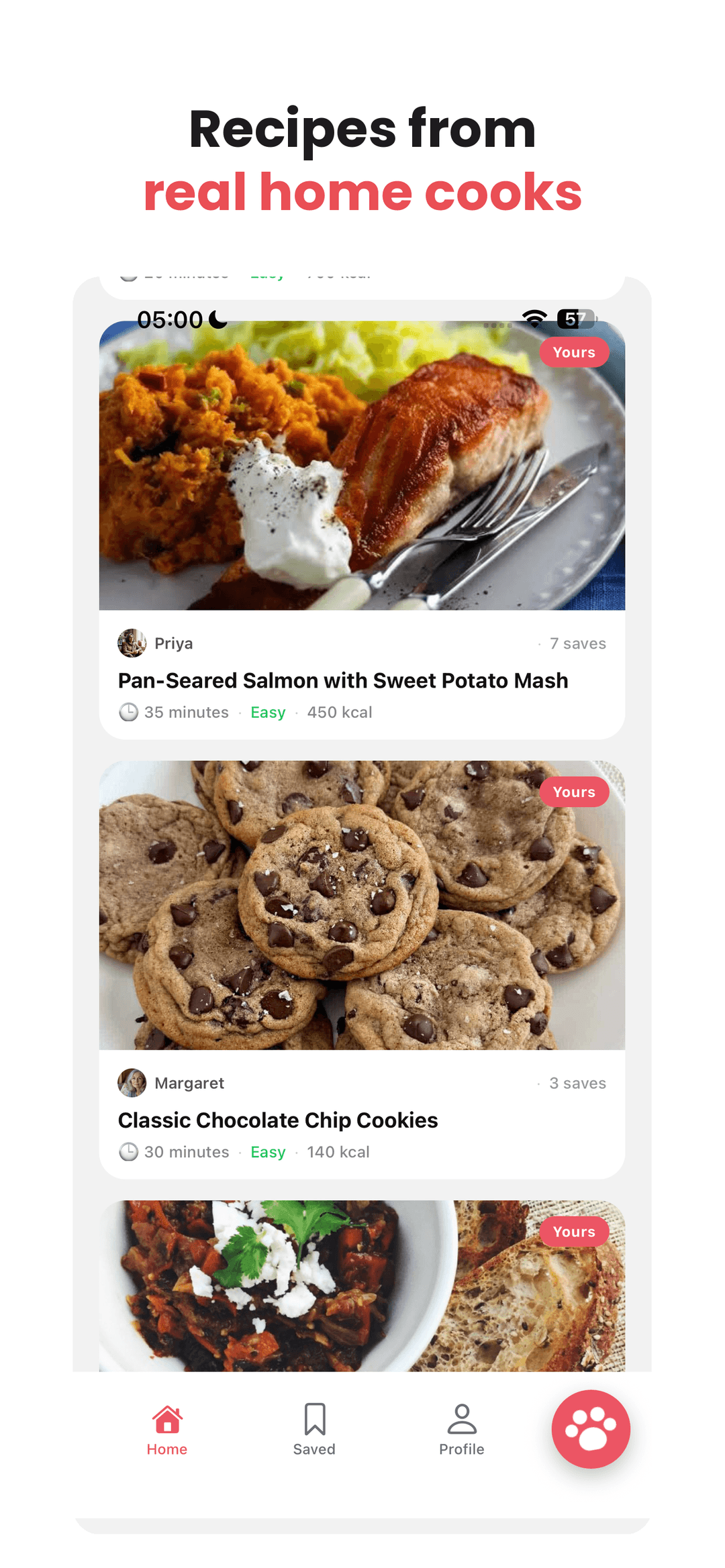
Recipes from real home cooks
NomNomBear isn't just AI — it's a community. Discover dishes shared by everyday cooks, share your own, and save the ones you want to make.
Cooked by real people
Browse dishes shared by home cooks like Priya and Margaret — not faceless brands.
Share your own
Post the recipes you love and see how many cooks save them.
Save your favorites
Keep the ones you want to make in your own personal cookbook.
What our users are saying
Making everyday cooking a little easier

Camila
🇺🇸Home Cook
“I just snap a photo of my ingredients and NomNomBear gives me recipe ideas in seconds. It’s a lifesaver on busy evenings!”

Sarah
🇬🇧Mom & Home Cook
“As a busy mom, NomNomBear makes dinner so much easier. I can snap what’s in my kitchen and instantly find something delicious to cook.”

Priya
🇮🇳Home Cook
“I love the community feed! Seeing what other people are cooking gives me so much inspiration. It feels like a little cooking community.”
Contact us for support or suggestions on boolfunc@gmail.com
- How does the 'image with ingredients to recipe' feature work?
First, upload a photo containing the ingredients. Then, select your cooking skill level (beginner, intermediate, or expert) and specify the desired cooking time. You can either enter the time manually in minutes or choose from the available options. If any ingredients are missing from the photo, you can add them manually by typing them in.
- How does the 'dish image to recipe' feature work?
First, upload a photo of the dish, and you will receive the recipe for that dish.
- Can I save my favorite recipes?
Yes, this is available with the 'All-in' plan.
- What if the app doesn’t recognize the dish correctly?
If the app doesn't recognize the dish correctly, try taking a clearer, well-lit photo, or adjust the angle. If it doesn't help, contact support for assistance.
- Is the app available on Google Play or the App Store?
Yes — NomNomBear is available on both the App Store and Google Play, free to download.
- How can I cancel my subscription?
You can cancel your subscription in the 'Profile' section within the 'Settings' block.
- Can I get a refund?
Yes! You can request a refund within 7 days of your purchase. Reach out by email.
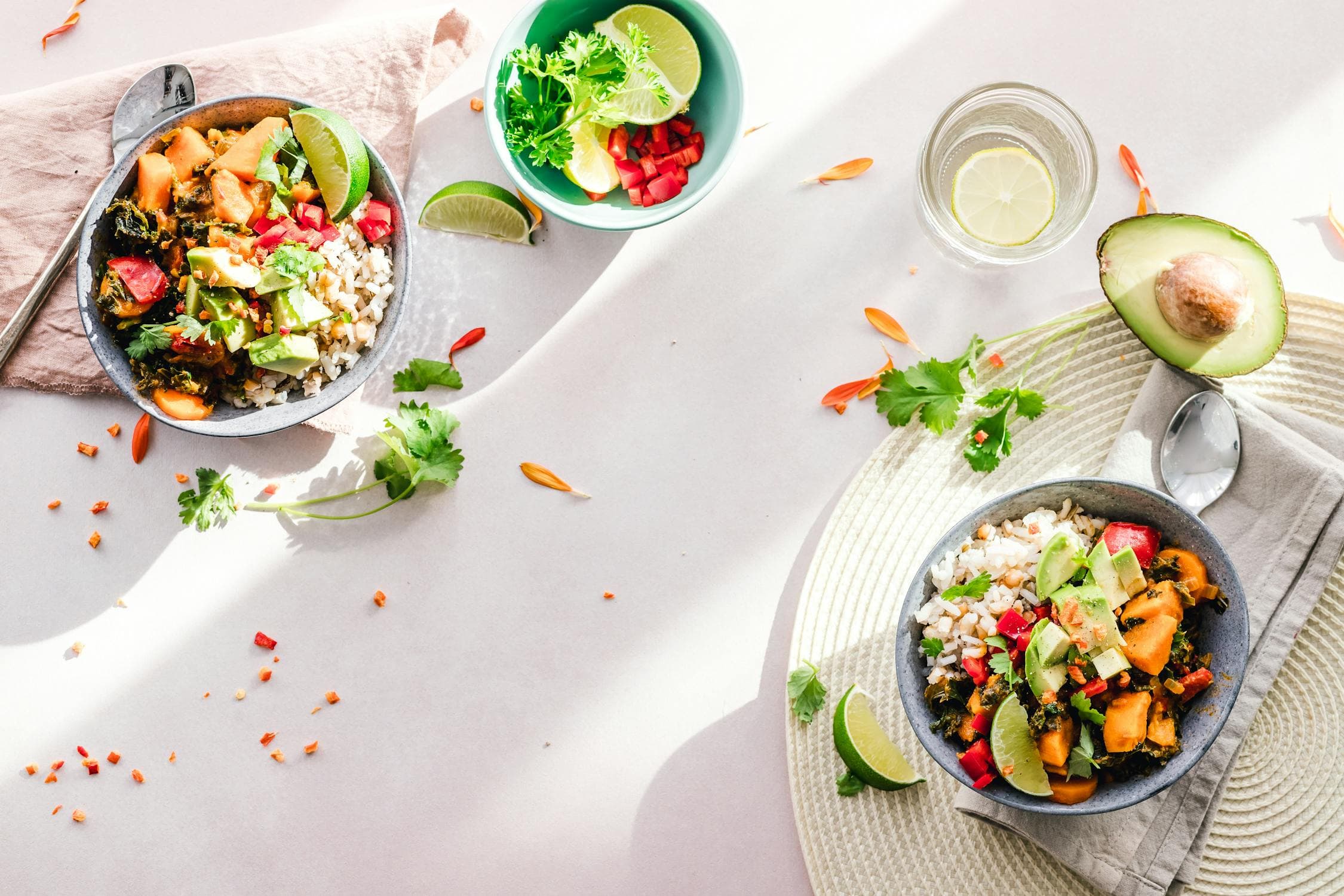
Snap, Cook, Enjoy!
Start Your Culinary Journey Today!
Free to download — get NomNomBear on your phone